
 ANDROID APP · FREE
Get the WaContacts app
Your shop on your phone. Add products from a photo, see orders, send invoices and get order alerts.
Version 1.4.0 · 62 MB · Updated 22 Nov 2026
Coming to Google Play soon.

On a computer?
Scan with your Android phone's camera to download it there.
The iPhone app is coming
Use WaContacts in Safari meanwhile. Everything works there.
Open WaContacts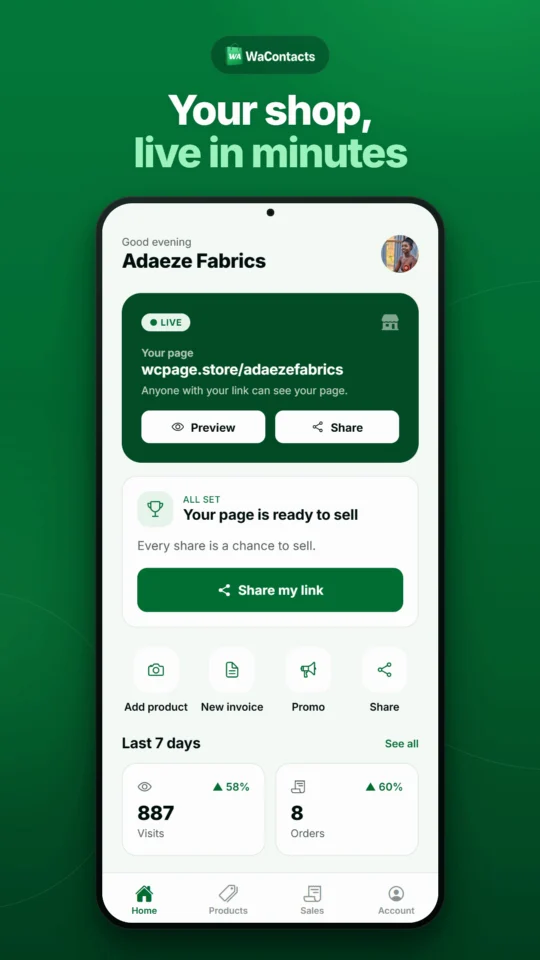
Install in three steps
It is a file from our website, not the Play Store, so Android checks with you first.
-
1
Open the file
Tap the download when it finishes, or find WaContacts.apk in Downloads.
-
2
Allow your browser
If Android asks, allow your browser to install apps. You only do this once.
-
3
Tap Install
If Play Protect asks, tap Scan app or Install anyway. Then open WaContacts and sign in.
Updating? Download again and install over the old version. You stay signed in.
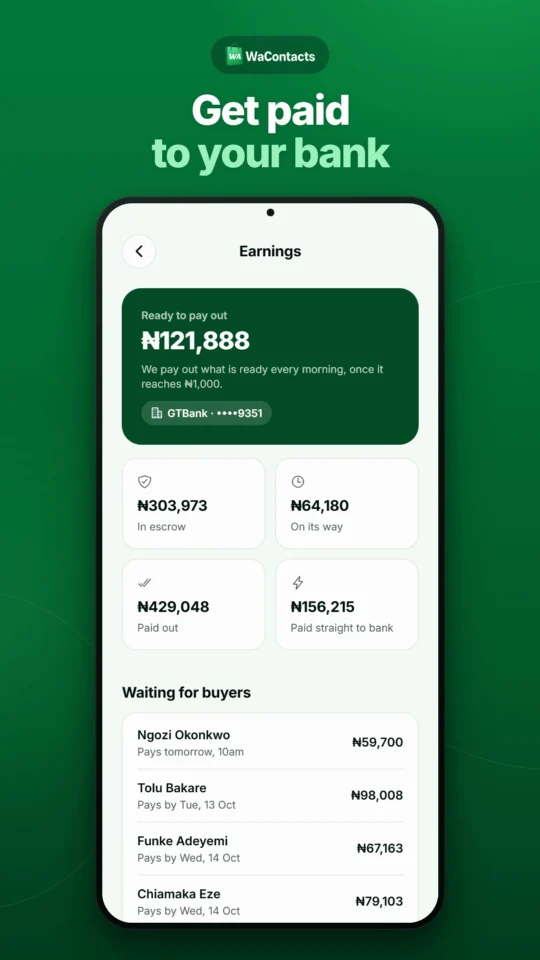
Your shop, in your pocket
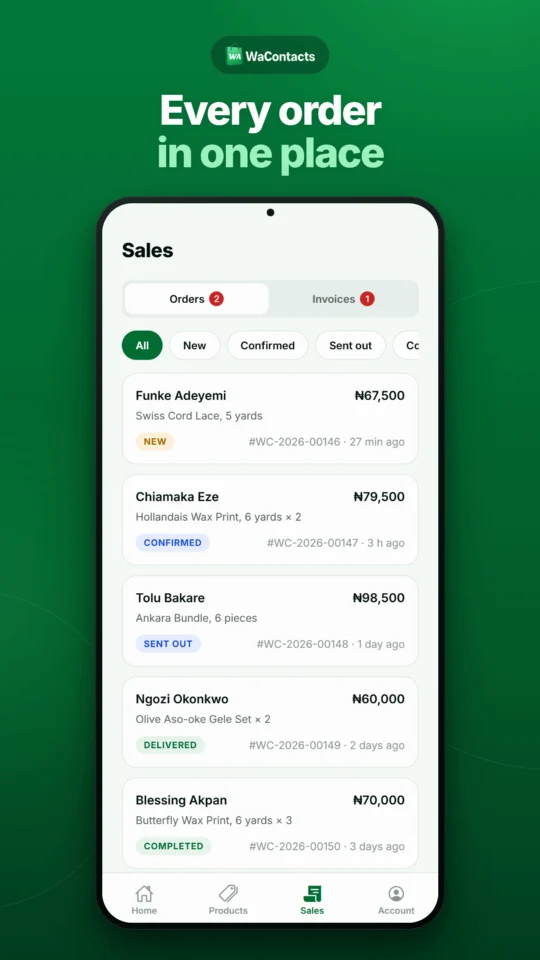
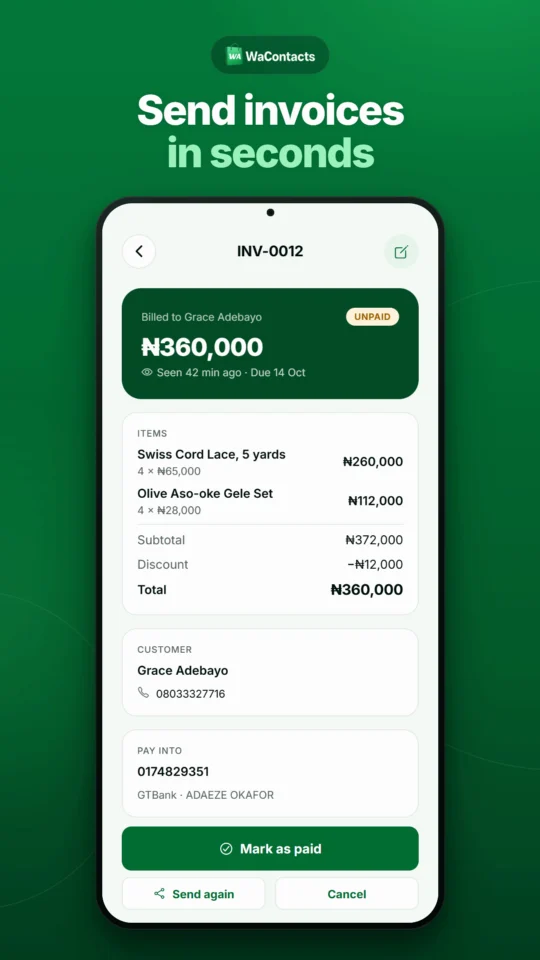
Orders, invoices and earnings, wherever you are.
Good to know
Safe to install
Signed by WaContacts. Only download it from wacontacts.com.
Free
The app is free to download and use with your WaContacts account.
Coming to Google Play
Once it is there, updates will arrive on their own.
iPhone
The iPhone app is coming. Use WaContacts in Safari meanwhile.
Check the file
The SHA-256 of WaContacts.apk, version 1.4.0:
c1fcb3c4c6d5626fd7c6c243bbcf580c7cdded15169a42bf2f79b8905b87701d

