Why 57+ Sellers Are Adding a Gallery Section to Their WaContacts Page
The WaContacts Gallery section is one of the most-used Pro features on WaContacts. Here's who it's for, why it works, and how to add it.
The Gallery Section: What It Is
A Gallery section is a rich content block you can add to your WaContacts page page. It goes beyond plain links to show buyers something real — your work, your menu, your prices, or what your existing customers say about you.
Over 57 active sellers have added one to their WaContacts page. Here's why.
Who It's For
The Gallery section is built for fashion sellers, photographers, food vendors, and anyone with visual products.
Why It Works
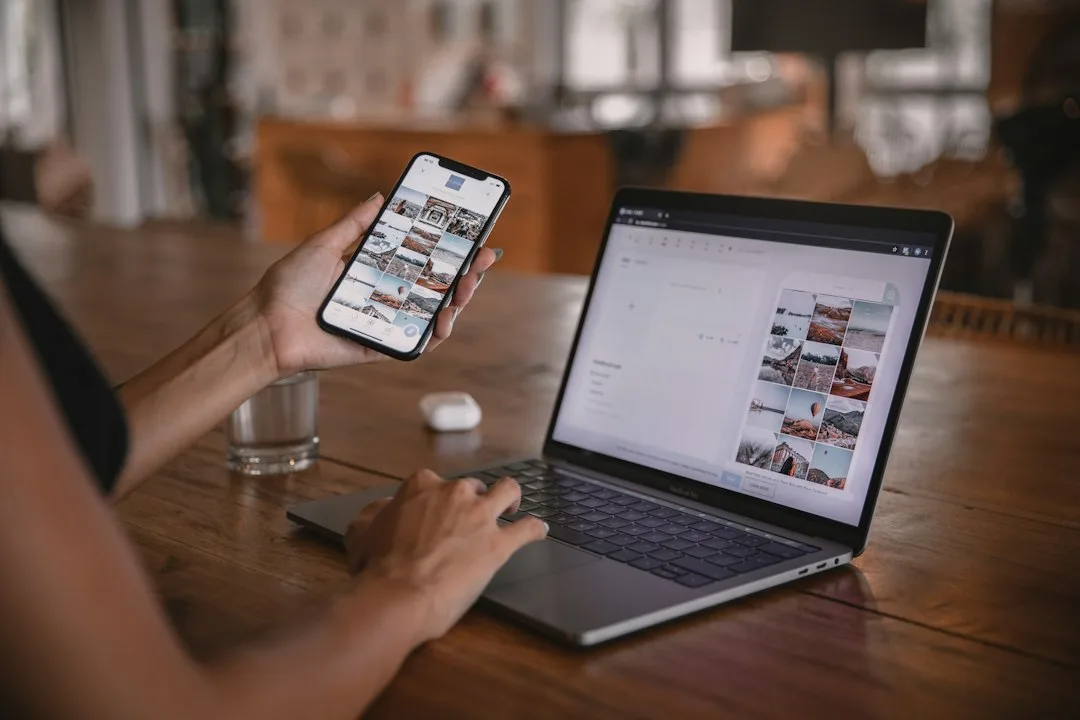
Buyers trust what they can see. A photo grid shows your products or work instantly — before a buyer even messages you.
The Result
Sellers with gallery sections typically see more WhatsApp clicks because buyers arrive already interested.
How to Add a Gallery Section
- Log in to your WaContacts dashboard
- Go to WaContacts → Pro Sections
- Click Add Section and choose Gallery
- Add your content — photos, items, reviews, or services
- Save — it goes live on your page immediately
What Plan Do You Need?
Pro Sections are available on WaContacts Pro (up to 2 sections) and WaContacts Business (up to 5 sections). Start with a 7-day free trial on the Pro plan — no upfront card charge.